Msg's GrapheneOS Builds
GrapheneOS variants with Custota integration for seamless OTA updates.
Production Builds (User)
Clean
Official GrapheneOS experience with the addition of Custota support for third-party updates.
Custom
Features custom refinements and system-level modifications, including WIP application isolation.
Rooted (On-Demand)
Featuring KernelSU (SukiSU) + SUSFS. Root access is disabled by default; press VolUp at boot to enable. Includes custom features.
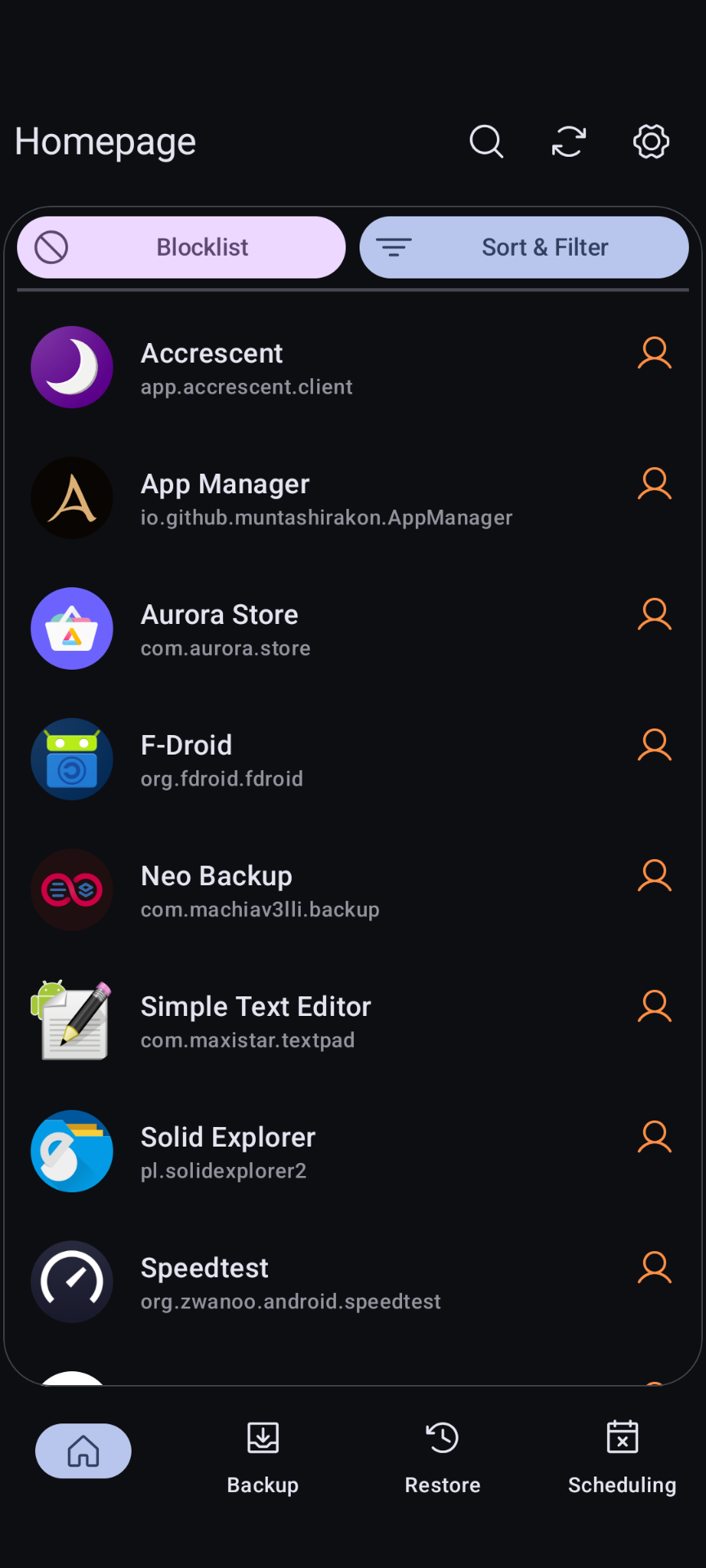
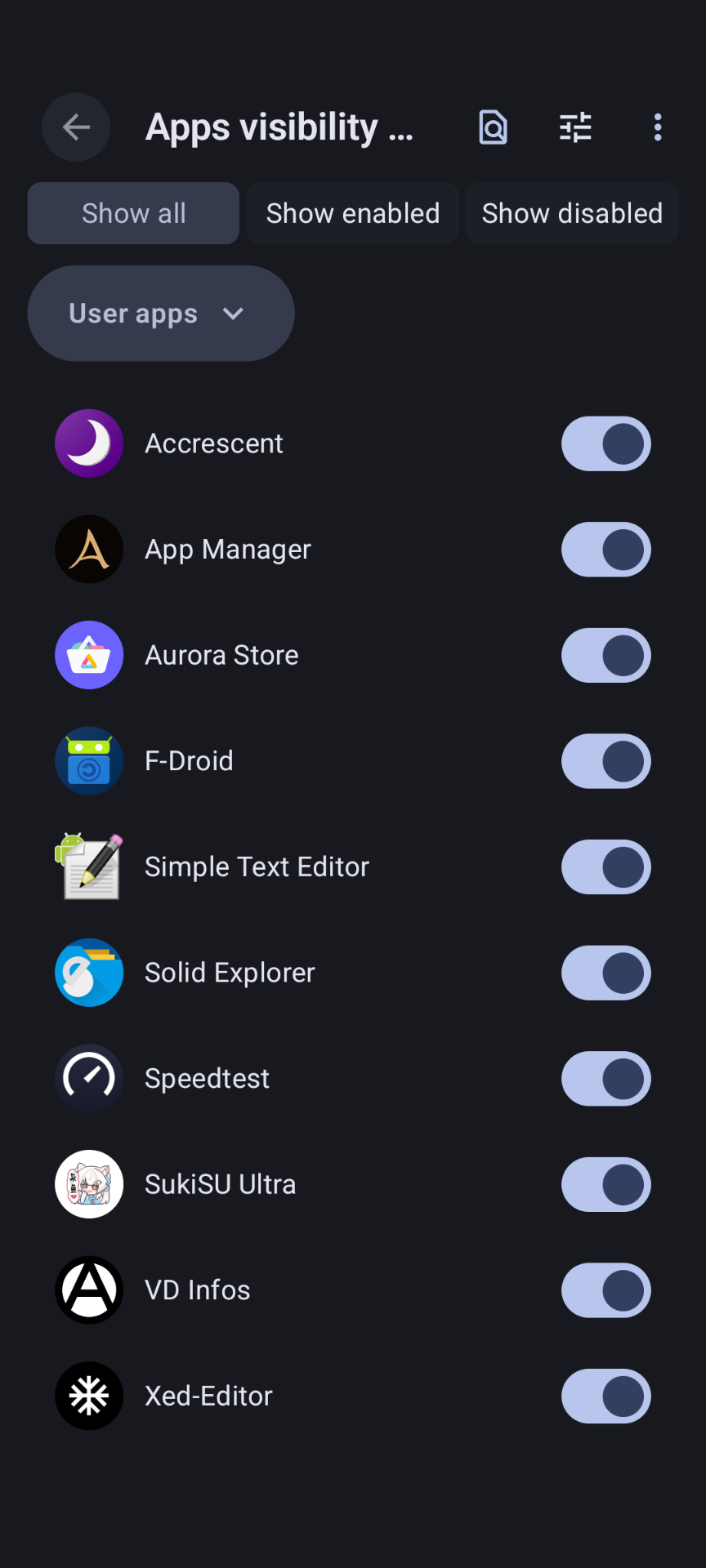
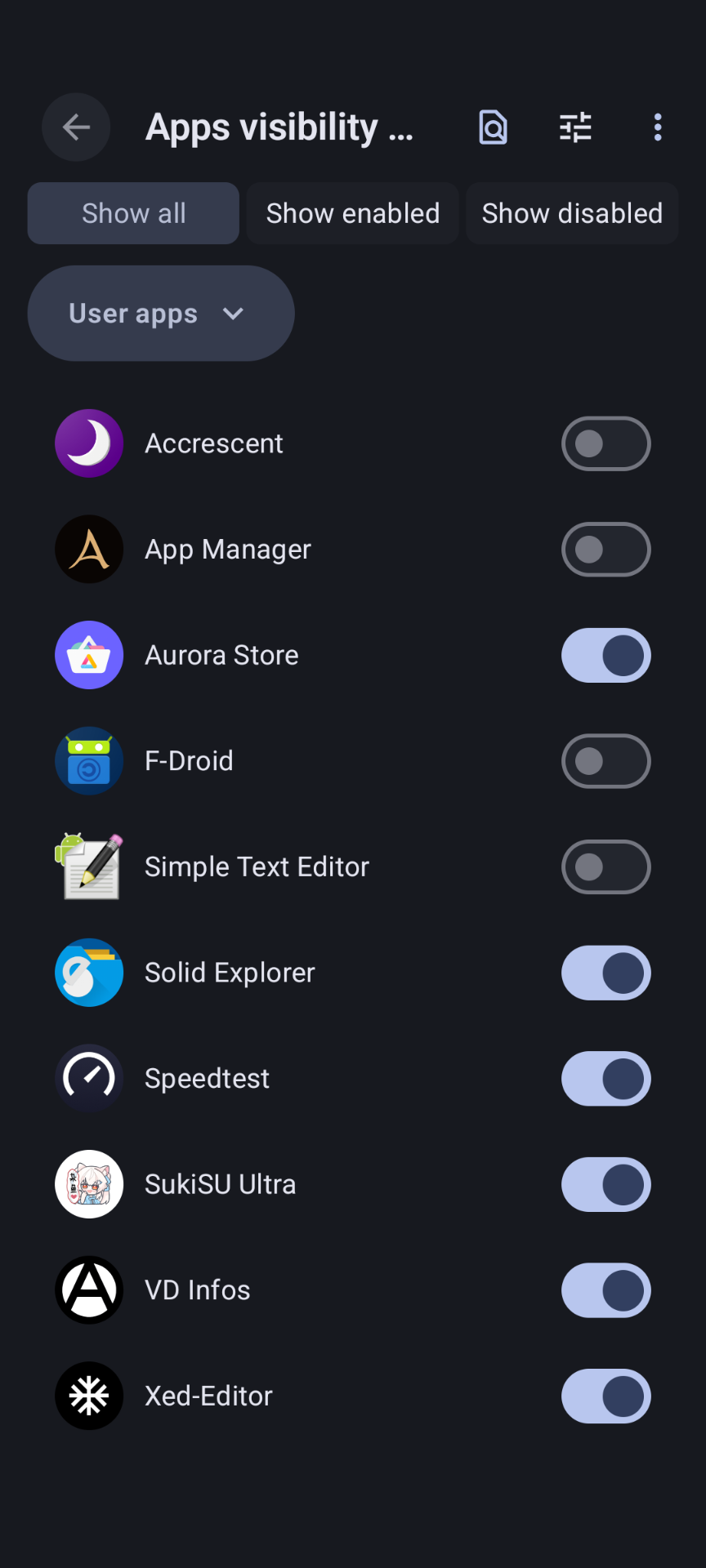
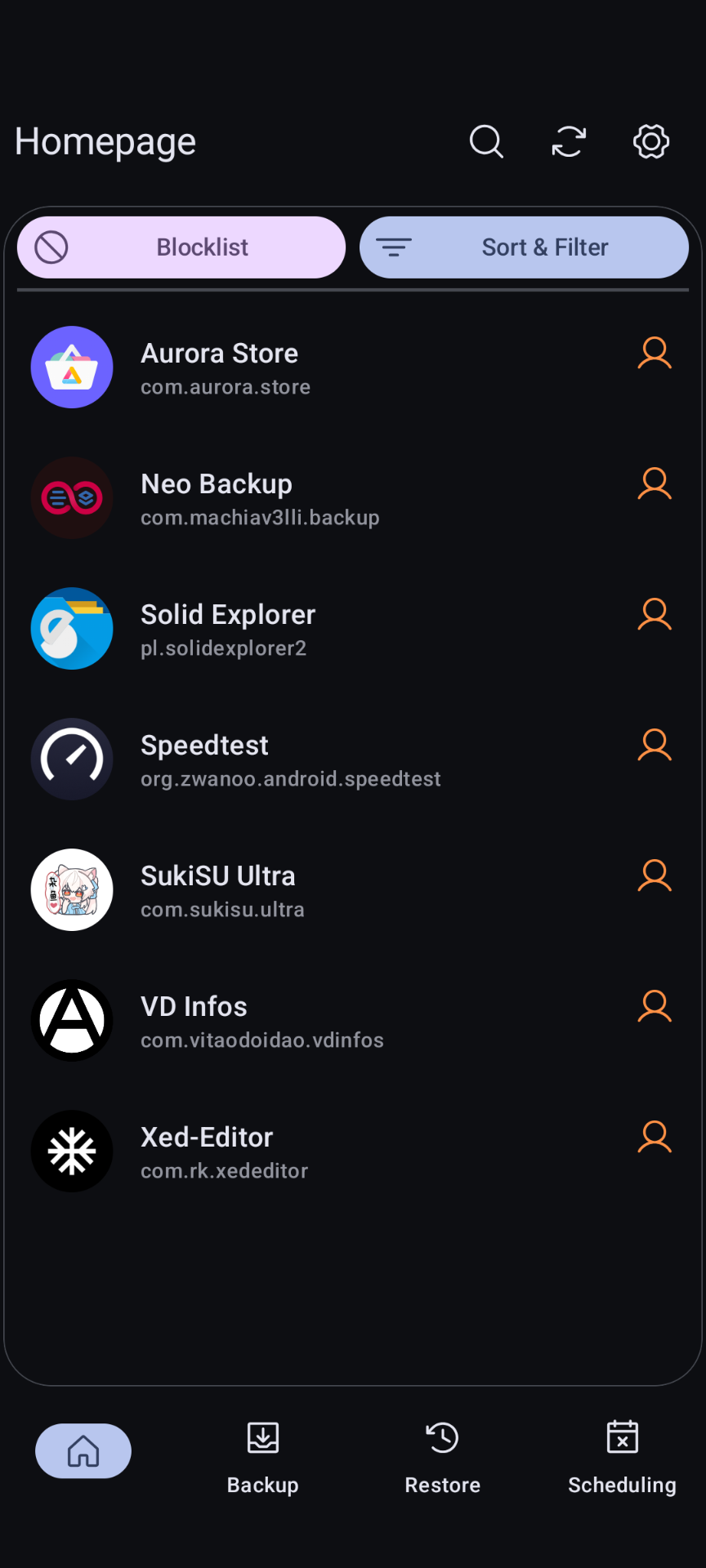
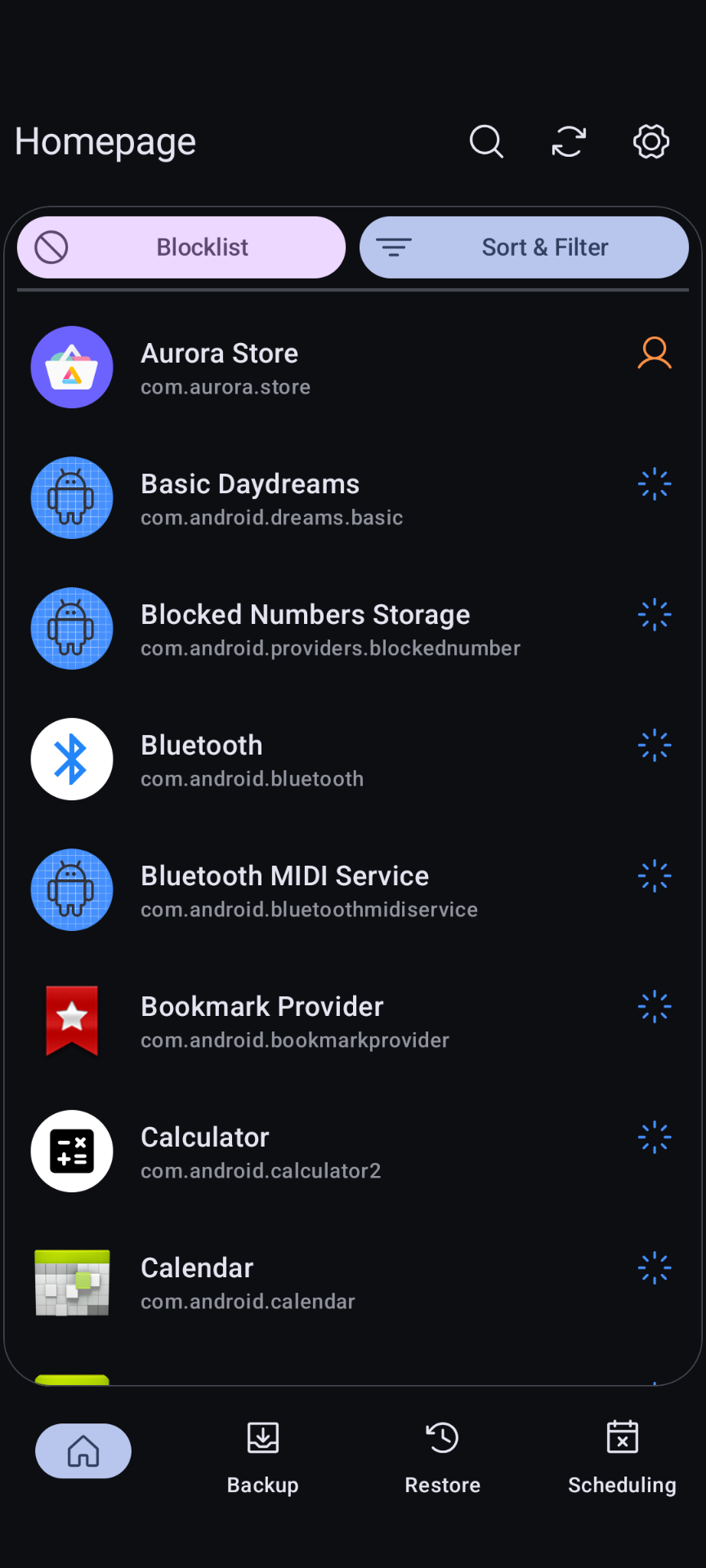
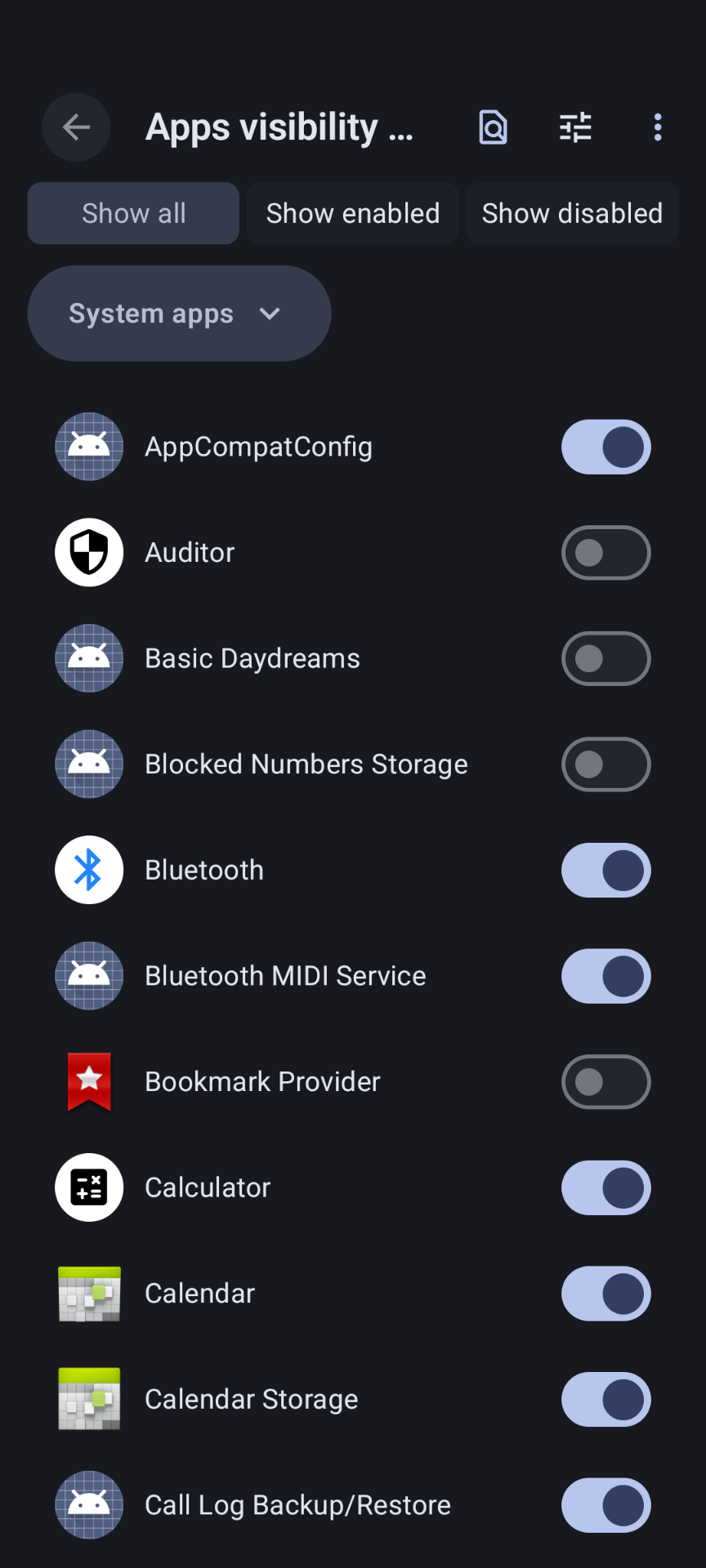
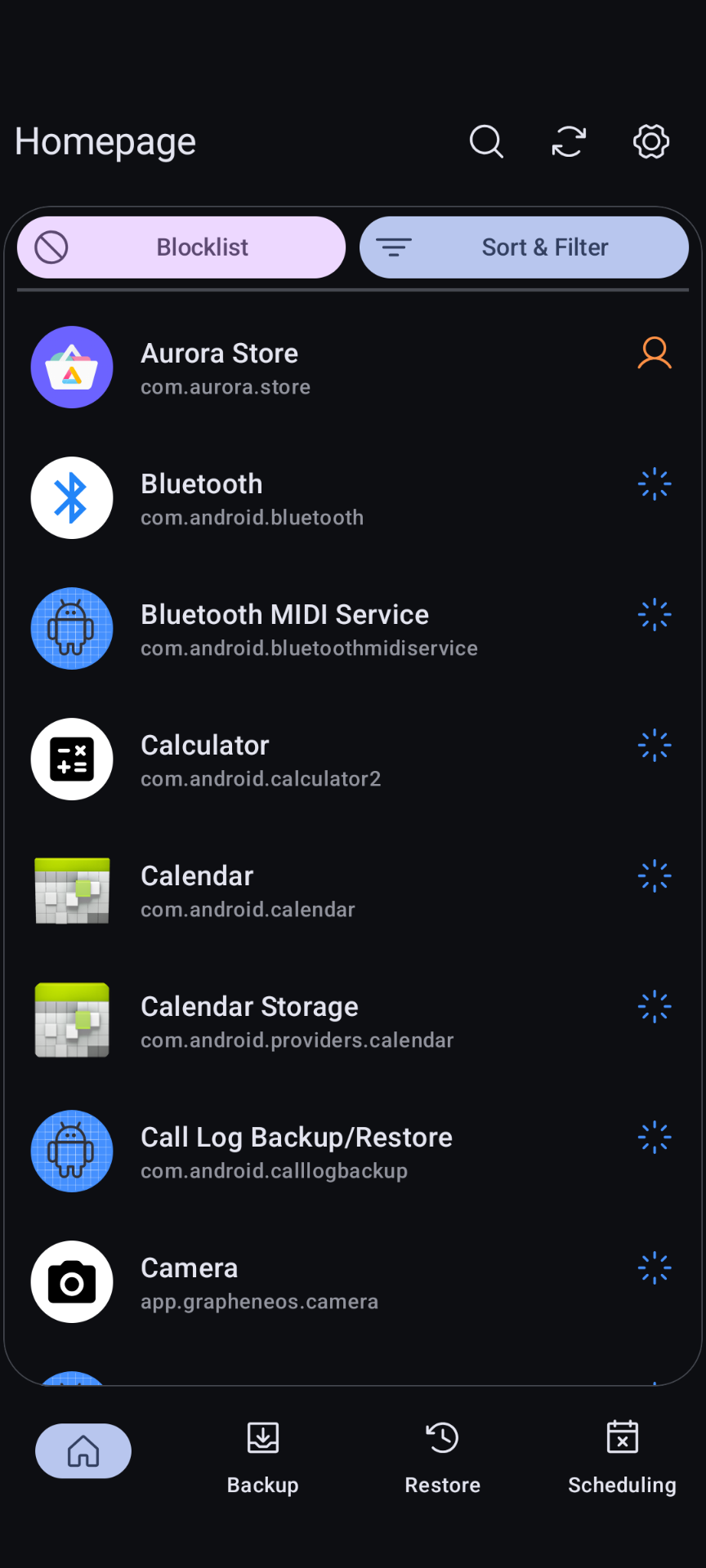
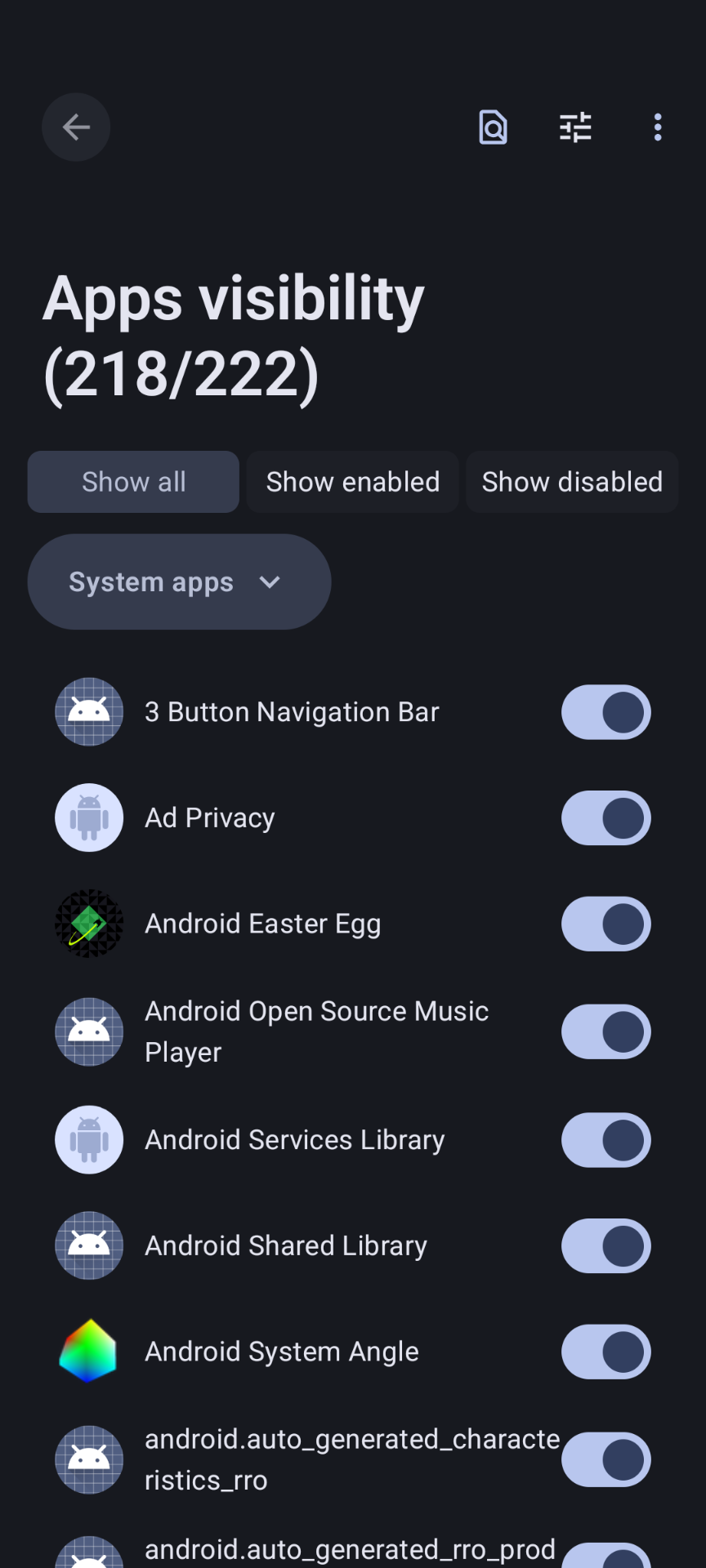
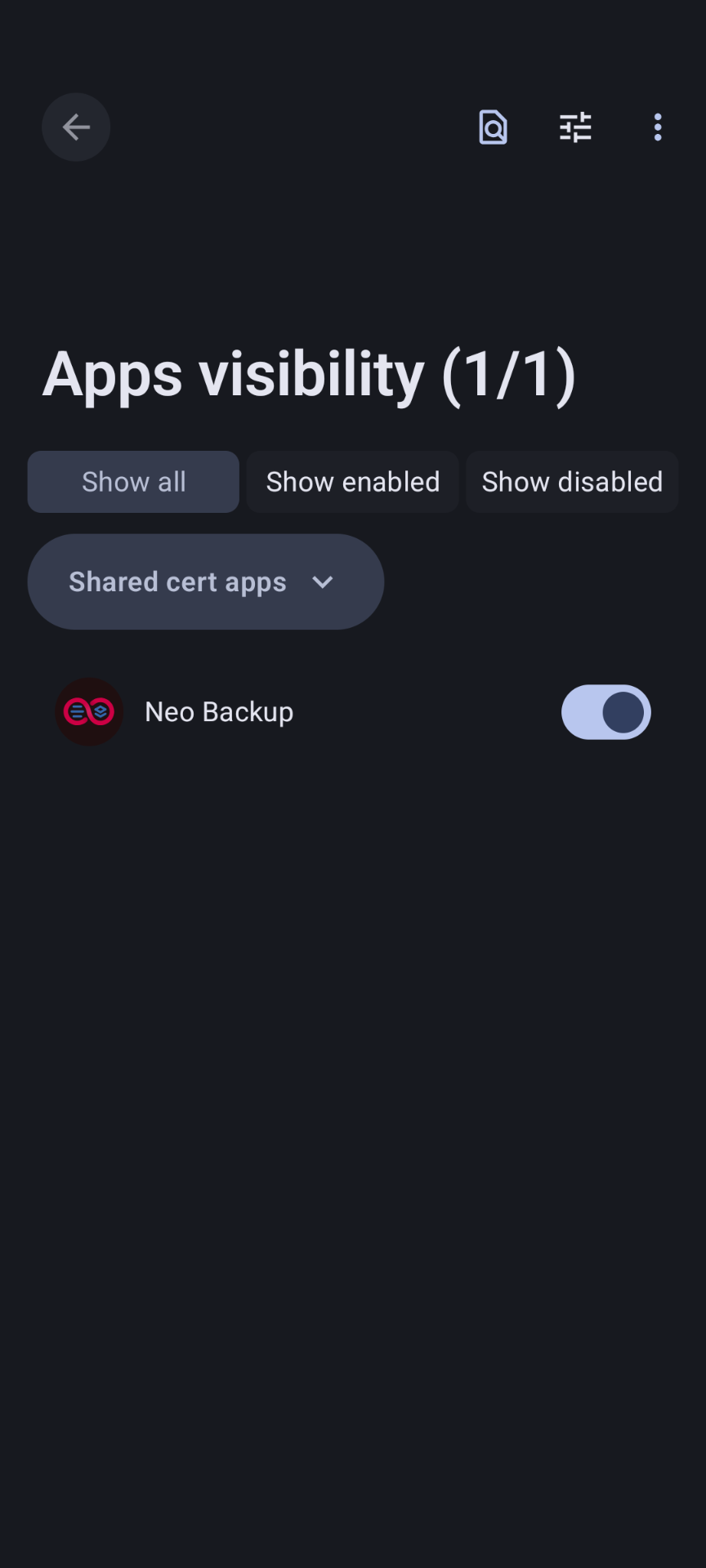
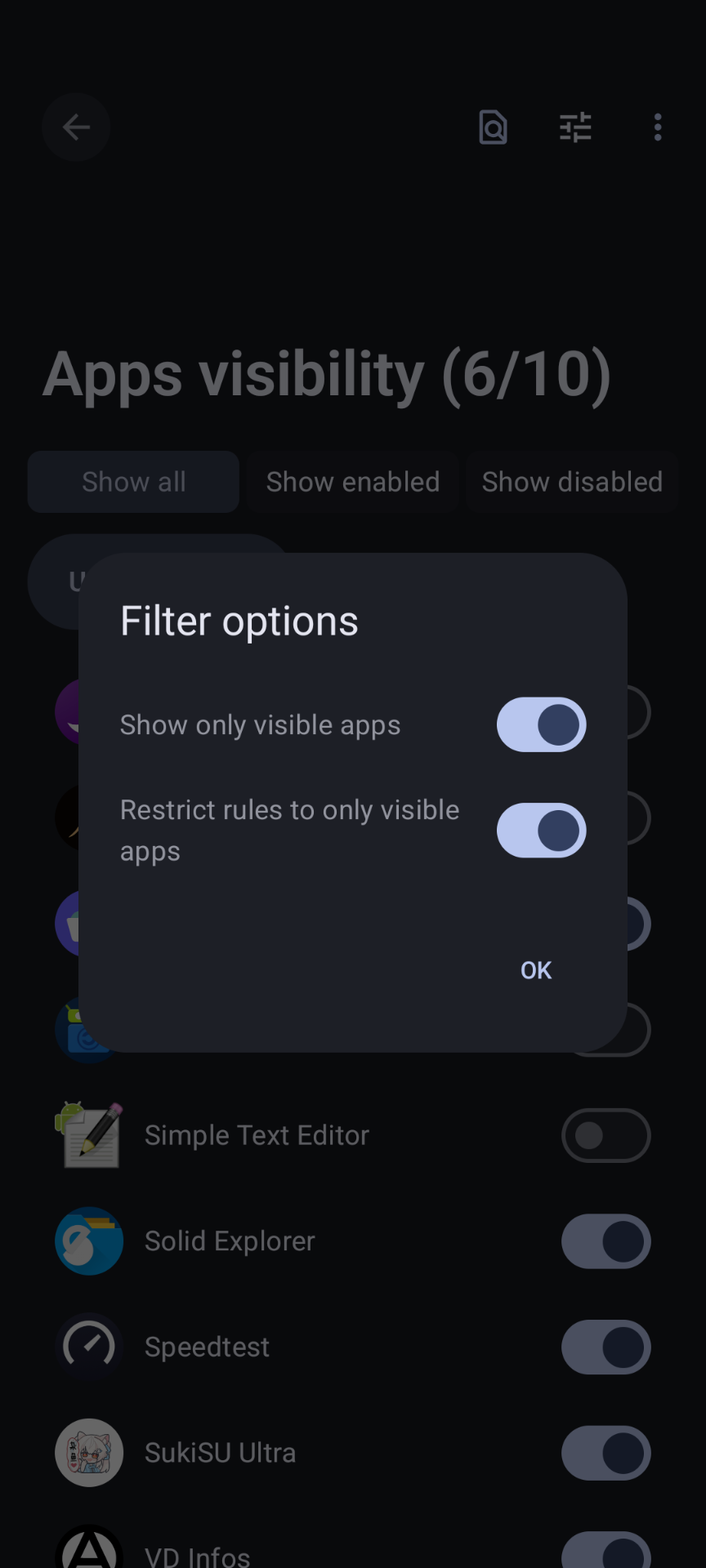
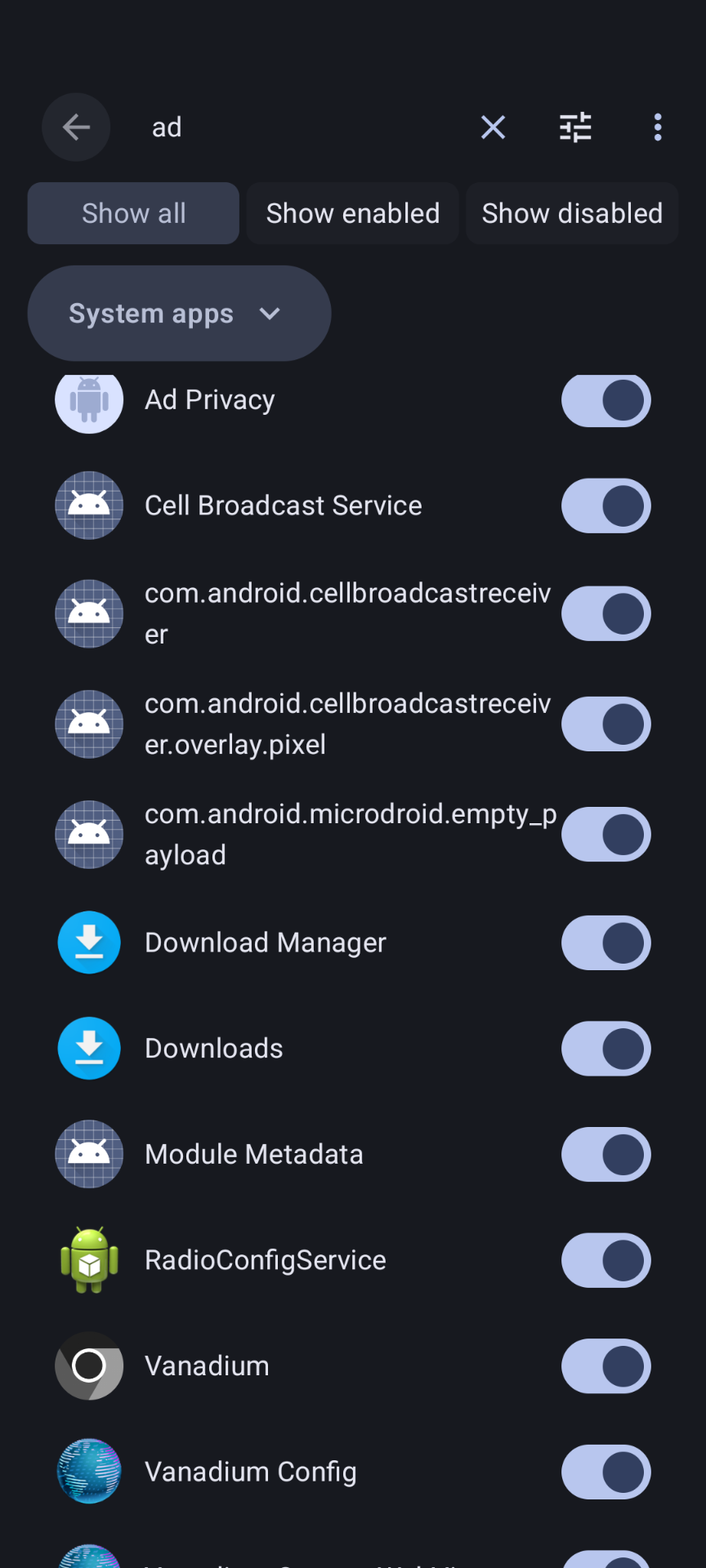
Allows you to prevent apps from seeing other installed apps. To activate it, go to the App Info of the desired application.
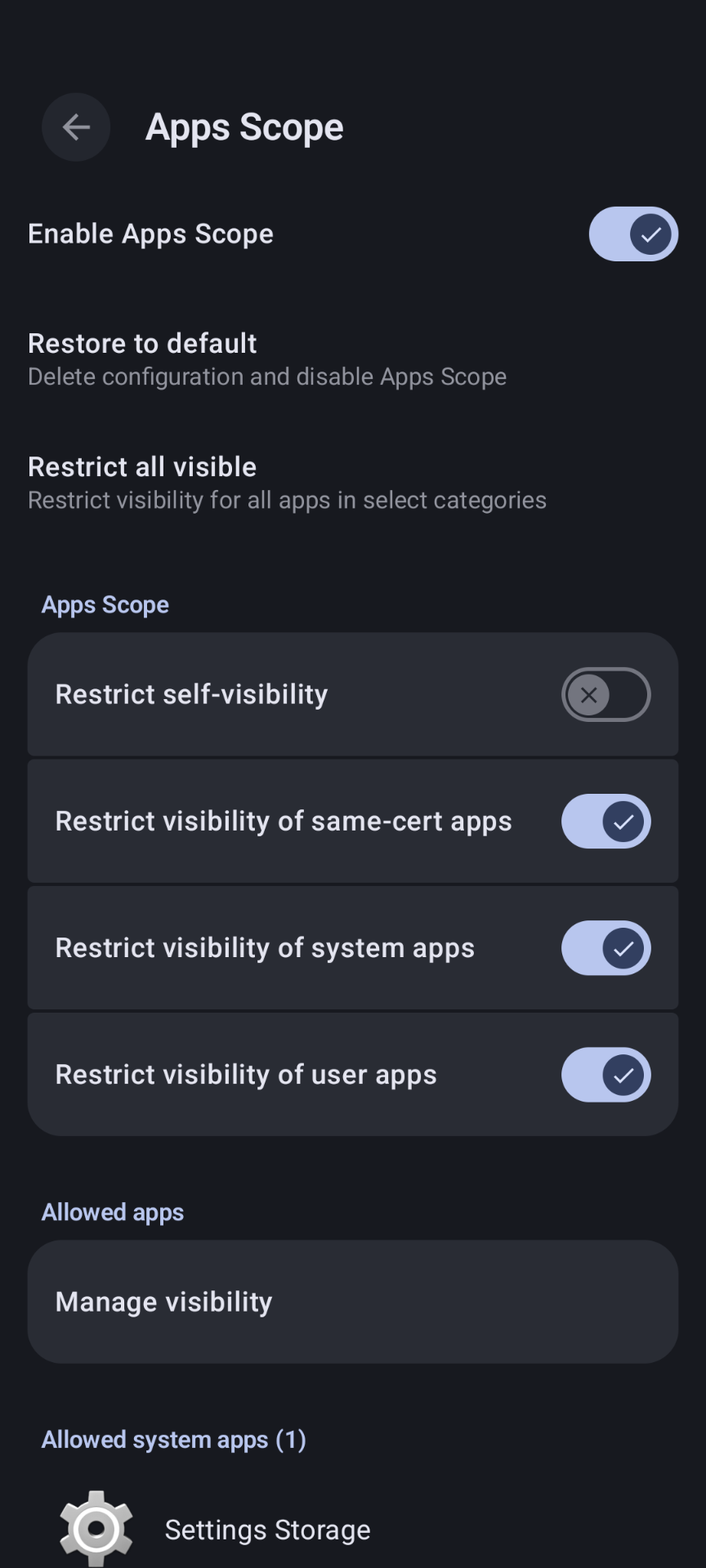
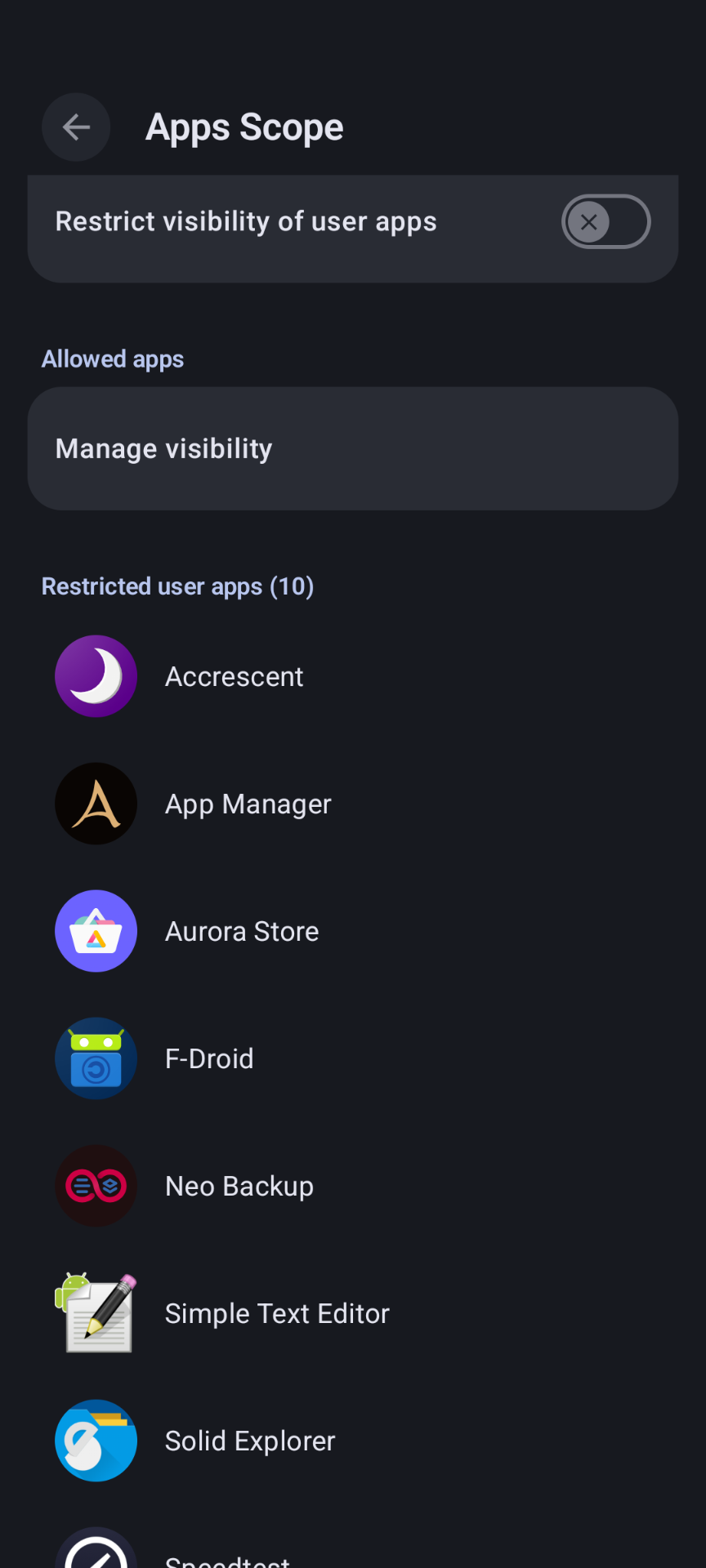
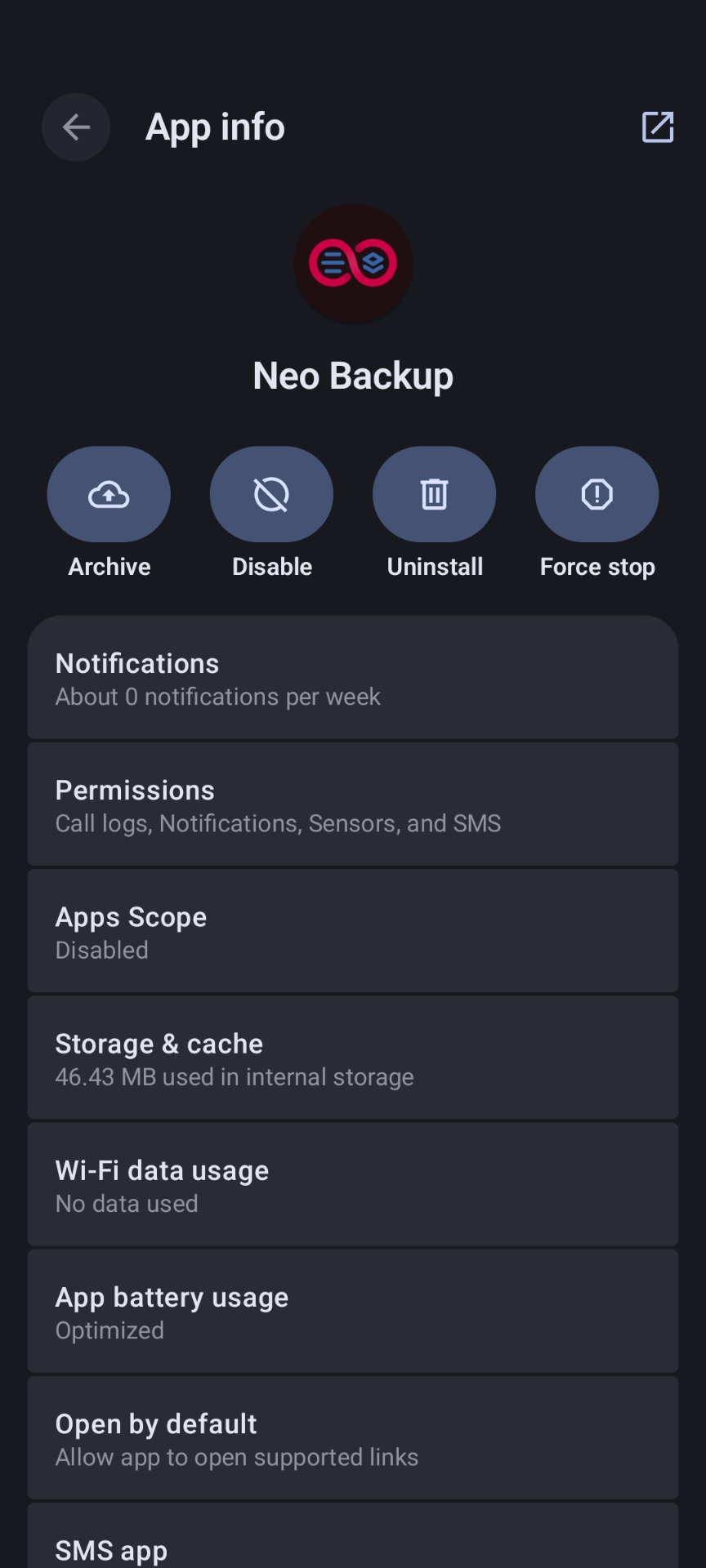
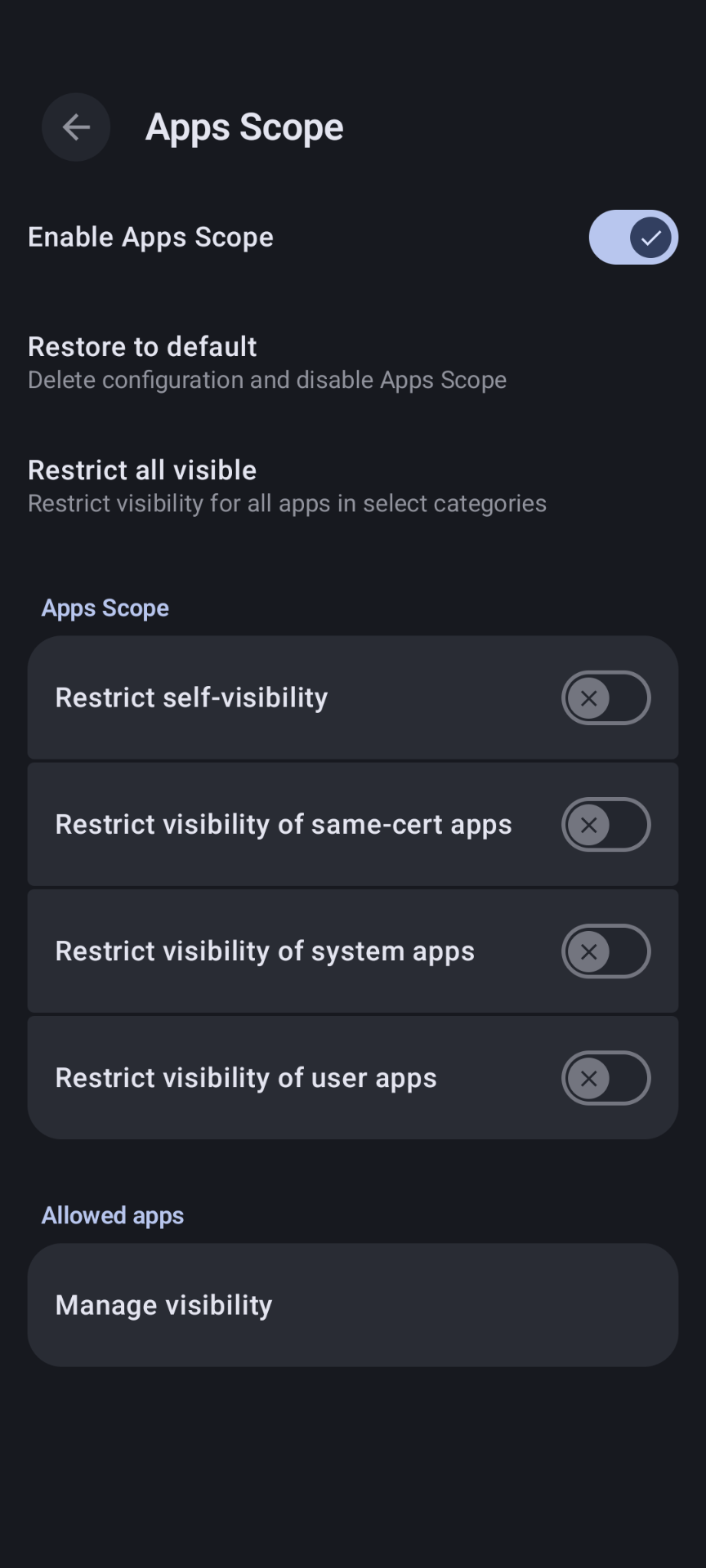
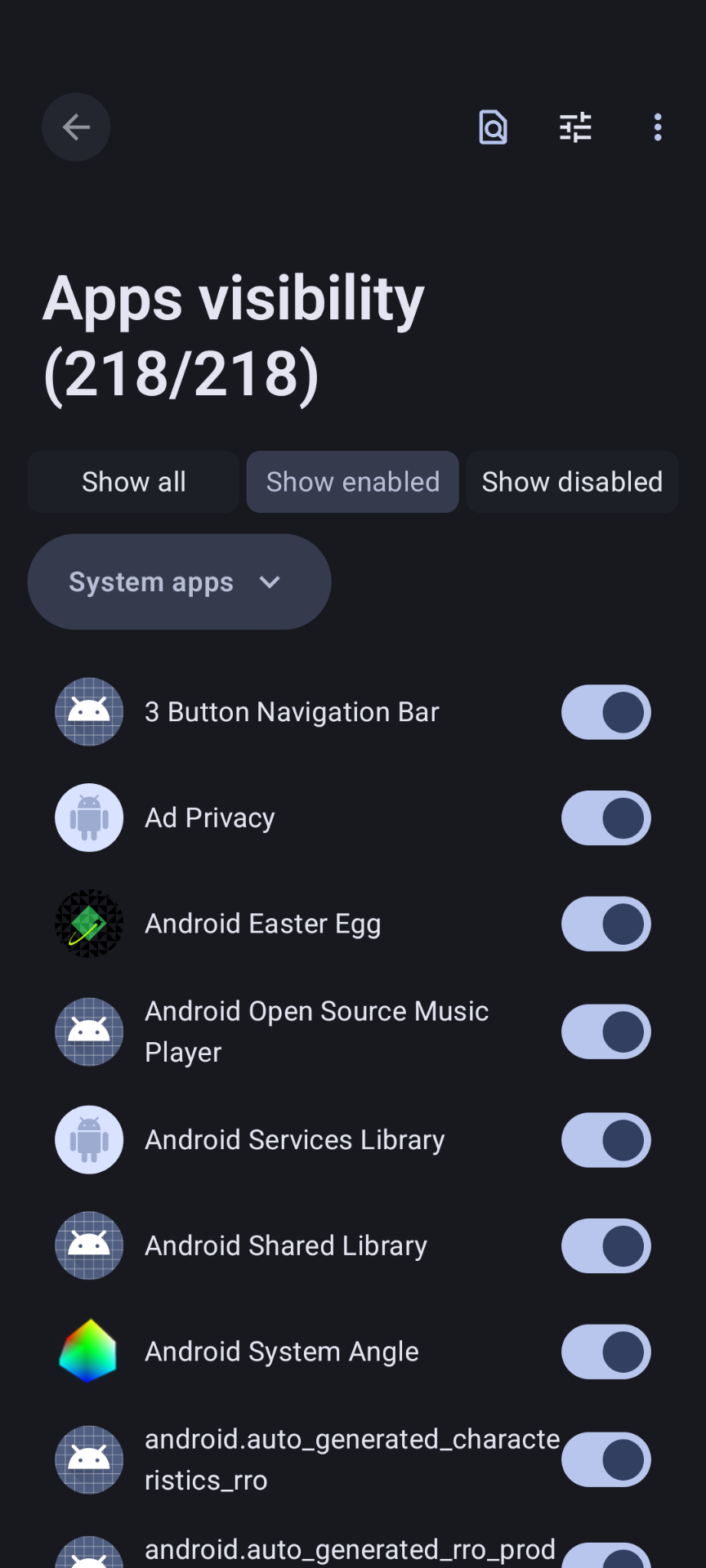
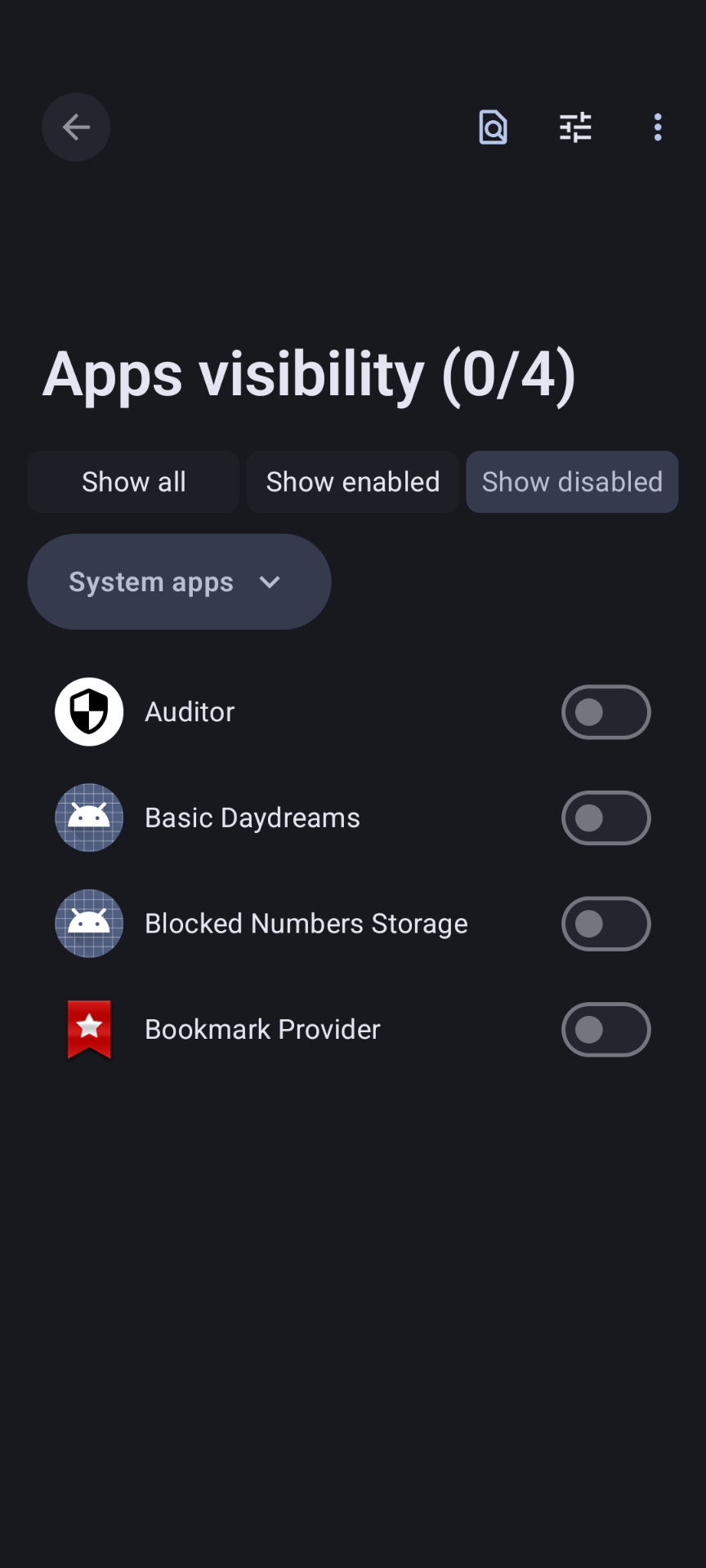
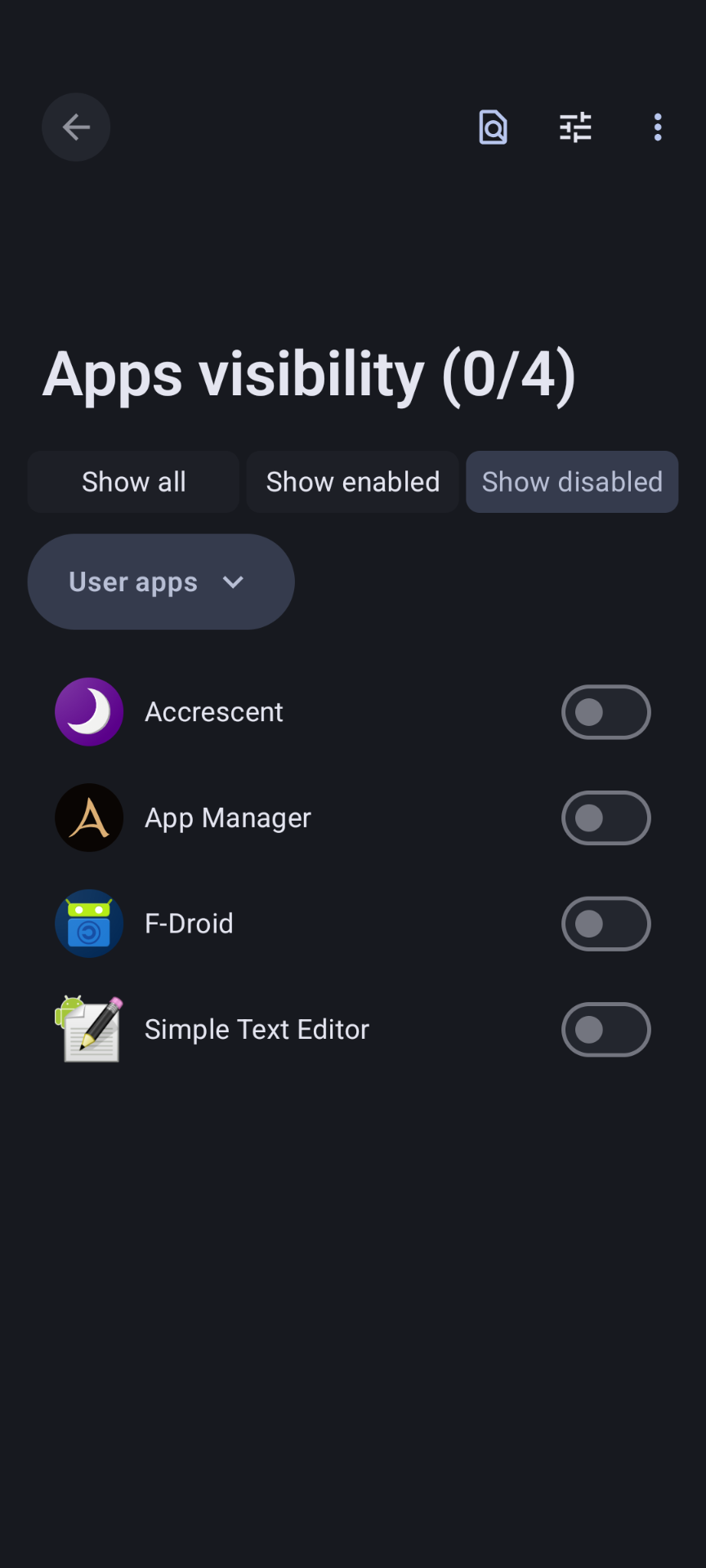
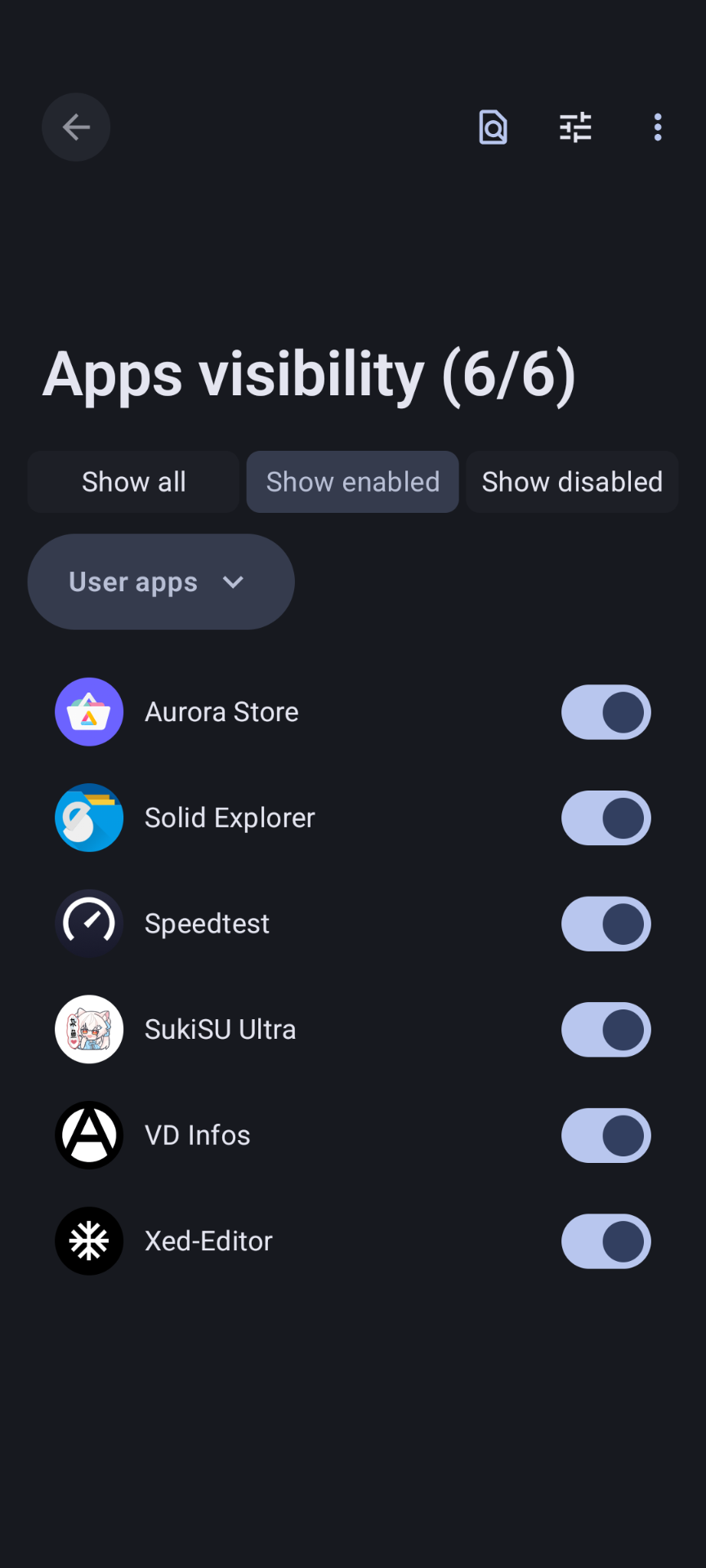
How to Switch Variants
Enable Debug Mode
Open Custota and navigate to the settings. Long-press on the version number until the debug options appear.
Activate Reinstall
Enable the "Reinstall" toggle. This allows you to flash a different variant over your current installation.
Update & Check
Paste the Update URL into Custota and then Check for Updates to begin the switching process.
Finish
Once the switch is complete, deactivate the "Reinstall" option to prevent reinstallations of the same variant.
On-Demand Root Activation
Reboot Device
Restart your phone to initiate the root activation process.
Activate Trigger
When the GrapheneOS logo appears during boot, press Volume Up.
Root Enabled
The system will boot with root active for this session. Use the SukiSU Manager to grant permissions.
Why On-Demand?
- Security: Prevents persistent root access from being exploited when not needed.
- Stealth: Automatically returns to a non-rooted state after any reboot.
- Maintenance: Enable only for specific tasks like full backups via NeoBackup.
Managing Permissions
Install the SukiSU Manager for granular control. Permissions are remembered by the kernel even if the manager app is uninstalled.
- • App profile: Custom
- • Capabilities: DAC_OVERRIDE, SYS_ADMIN, SYS_CHROOT, SYS_PTRACE
- • SELinux context:
u:r:su:s0